
Linux for Absolute Beginners - Workbook
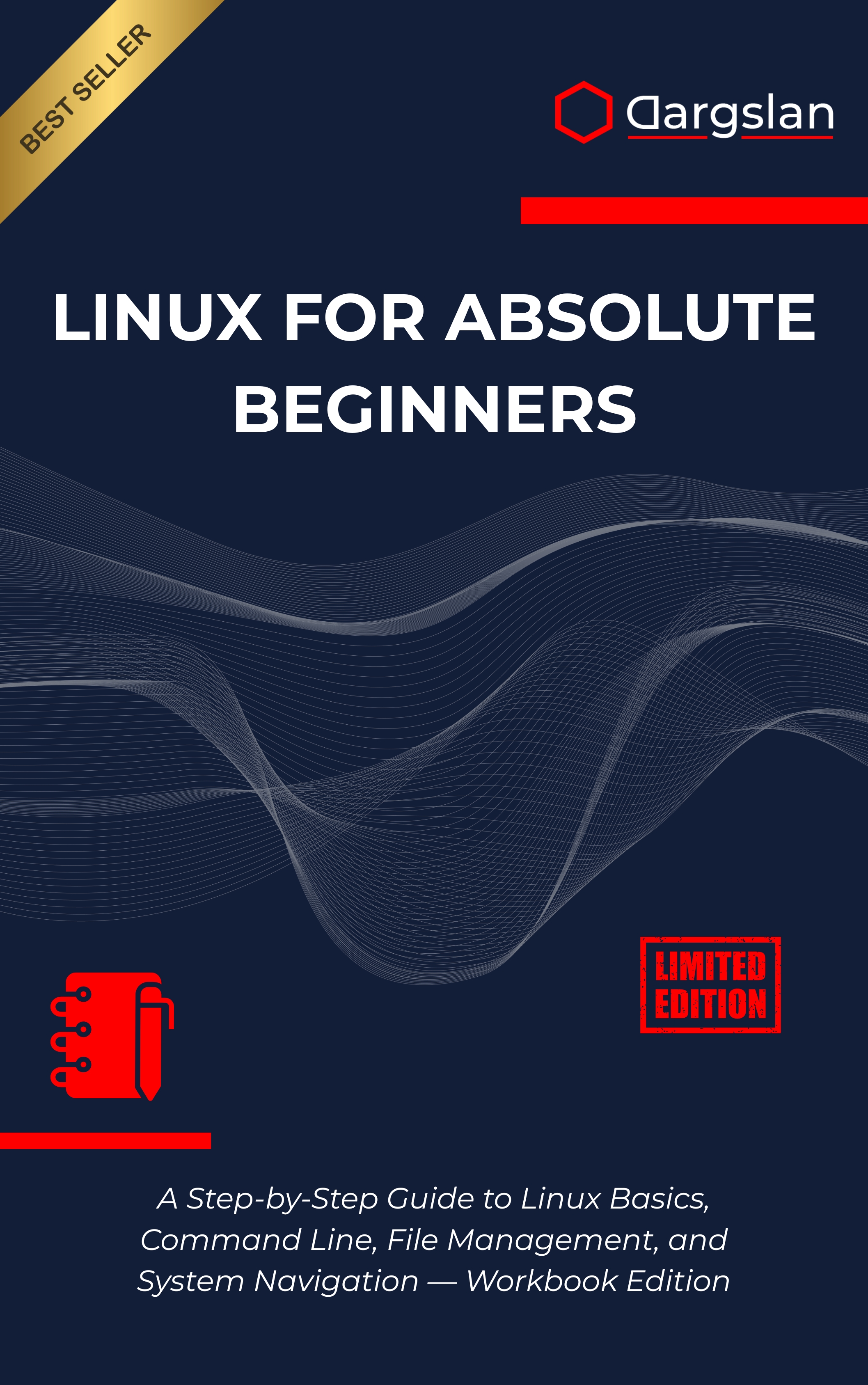
Ready to turn Linux from intimidating to intuitive? This hands-on workbook guides you step by step, helping you practice real commands, solve real problems, and build confidence from your very first terminal prompt.
Whether you want to streamline your workflow, prepare for certification, or understand the operating system that powers modern computing, this guide gives you a practical path forward—no prior experience required.
A Step-by-Step Guide to Linux Basics, Command Line, File Management, and System Navigation — Workbook Edition
Overview
Linux for Absolute Beginners - Workbook is an accessible yet comprehensive IT book designed as a programming guide and technical book for newcomers to Linux, presented as A Step-by-Step Guide to Linux Basics, Command Line, File Management, and System Navigation — Workbook Edition. You’ll gain a clear understanding of Linux, the role of Linux distributions, and essential open source concepts, while developing practical skills through structured exercises that build momentum from the ground up. Inside, you’ll master Linux fundamentals with a focus on command line basics, terminal navigation, file system structure, directory management, file operations, text processing, file permissions, user management, software installation, package management, system monitoring, process management, shell scripting, automation basics, troubleshooting, and system administration—everything you need to work efficiently and confidently.
Who This Book Is For
- Complete beginners who want a friendly on-ramp to Linux, with step-by-step exercises that transform curiosity into capability.
- Students and career changers seeking a clear learning pathway that leads to real command-line confidence and job-ready skills.
- Professionals and self-learners aiming to level up, break through terminal anxiety, and take control of their systems with purpose.
Key Lessons and Takeaways
- Navigate with ease: Understand the Linux directory tree, move between paths, inspect files, and manage your working environment like a pro.
- Manage files and permissions: Create, edit, copy, move, and organize data while applying correct file permissions and user management for secure workflows.
- Automate and troubleshoot: Use text processing and shell scripting to automate repetitive tasks, monitor processes, and resolve issues with confidence.
Why You’ll Love This Book
This workbook is built around clarity and momentum. Every concept pairs a concise explanation with a guided exercise, followed by real-world challenges that reinforce mastery through repetition. You’ll find practical examples, cheat sheets, and troubleshooting prompts that strip away the guesswork and keep you moving forward.
Instead of abstract theory, you’ll get actionable tasks that mirror what professionals do every day—install software, manage packages, monitor systems, and write simple scripts to save time. The result is a strong, durable skill set you can take straight to school, work, or your personal projects.
How to Get the Most Out of It
- Follow the chapters in order, starting with environment setup and Linux distributions, then progressing to command line basics, file management, and system navigation.
- Practice on a real system: Use a virtual machine or a cloud instance to apply commands, explore the file system structure, and make mistakes safely.
- Build mini-projects: Write a shell script to automate backups, use text processing to clean logs, and configure user accounts with correct permissions and groups.
What You’ll Do Inside
From the first chapter, you’ll get hands-on with the terminal and immediately apply what you learn. You’ll practice directory management and file operations while learning how and why the Linux file system is organized the way it is.
Next, you’ll dive into text processing using essential tools to filter, search, and transform content quickly. You’ll reinforce that knowledge through tasks like cleaning configuration files and extracting useful data from logs.
As you progress, you’ll explore permissions and user management with practical examples that demonstrate secure defaults and common patterns. You’ll install and update software via package management, understand dependencies, and verify installations with confidence.
System monitoring and process management lessons teach you how to observe system behavior, inspect running processes, and identify resource bottlenecks. You’ll learn to troubleshoot issues methodically using built-in tools and clear workflows.
Finally, you’ll create automation basics with shell scripting—writing small, useful scripts that save time and reduce errors. Each script builds on previous chapters, connecting concepts across the command line, file operations, and system administration tasks.
Workbook Features That Accelerate Learning
Every chapter includes step-by-step exercises that you can complete in short sessions, making it perfect for busy schedules. Realistic scenarios mirror tasks you’ll see in help desk, sysadmin, or developer roles, turning knowledge into capability.
Appendices provide a command cheat sheet for quick recall, a troubleshooting guide for when things go sideways, and practice quizzes with solutions to validate your progress. Additional lab exercises let you go deeper whenever you’re ready.
Skills You’ll Take With You
By the end, you’ll be comfortable navigating the terminal, managing files and directories, and understanding the underlying file system structure. You’ll confidently apply file permissions, manage users, and perform software installation with reliable package management workflows.
You’ll also monitor system health, interpret process output, and write simple shell scripts that automate daily tasks. Most importantly, you’ll know how to keep learning, troubleshoot effectively, and continue building your Linux toolkit with purpose.
Who Benefits the Most
- New Linux users who want a structured, supportive start and a workbook that keeps them accountable.
- Developers and QA professionals who need to move comfortably between environments and manage dependencies and logs.
- IT support and aspiring sysadmins who want practical system administration exposure without the overwhelm.
Get Your Copy
Take the first step toward practical Linux mastery. Build confidence, learn by doing, and turn essential concepts into everyday skills you’ll actually use.